general
JavaScript Website Missing From Google? A Content Visibility Checklist Before Buying AI Search Tools
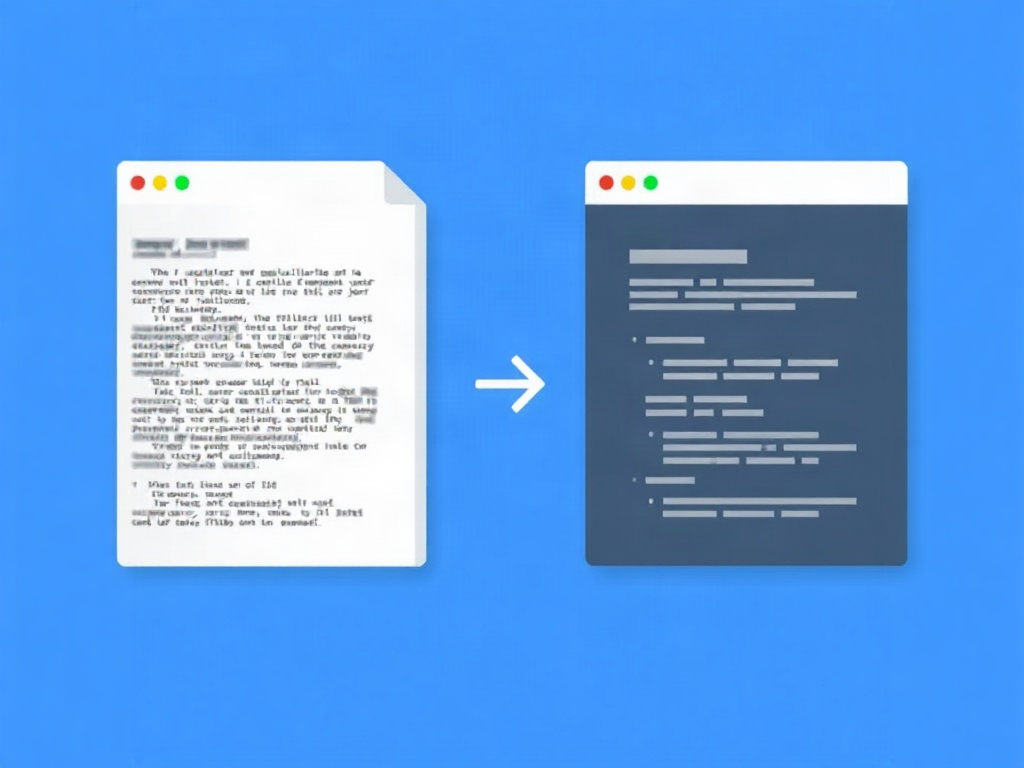
Compare initial HTML with the rendered HTML Google tests, then review the indexed URL status separately. Content appearing only after rendering shows a dependency; it does not by itself prove Google cannot see the page.
Before you spend money on AI visibility tools, confirm that search engines can actually read your pages. A missing-content problem on a JavaScript-heavy site is usually diagnosable with tools you already have: compare the initial HTML, check the rendered HTML Google tested, and confirm the indexed status separately.
- Google Search can execute JavaScript, so client-side rendering alone does not make a website unindexable, according to Google's JavaScript SEO documentation.
- View Source shows the initial HTML; Search Console URL Inspection shows the rendered HTML Google tested — compare them alongside the indexed status, which is reported separately.
- Missing crawlable anchors, blocked resources, an initial noindex, or soft 404s are common reasons rendered content never reaches Google's index.
Compare what the server sends with what the browser shows
Two versions of your page exist. The initial HTML is the raw document your server returns before any JavaScript runs. The rendered HTML is what exists after the browser executes JavaScript and builds the final page in memory.
Googlebot can handle both. Google Search runs JavaScript with an evergreen version of Chromium, so client-side rendering alone does not make a website unindexable, per Google's JavaScript SEO basics. The practical risk is not that JavaScript is forbidden — it is that something in your setup blocks or delays rendering so key text never makes it into Google's index.
Start with a beginner-safe check. In your browser, right-click a page and choose View Source. This shows the initial HTML. Use the browser's find function to search for a sentence of your main body text. If that text is absent from View Source but visible on the screen, your content depends on rendering to appear. On its own this only proves that dependence — it does not prove Google cannot see the content.
That absence is a signal, not a verdict: it shows dependence on rendering, not that Google cannot see the content. The next step is to compare it against the rendered HTML Google tested. Open Search Console, run URL Inspection on the page, and view the rendered HTML and screenshot. If your text is present there, Googlebot could render it; if it is missing, you have found the gap.
Be precise about what each test proves. The live test in URL Inspection reflects a fresh fetch, while the indexed version reflects what Google stored earlier — they can disagree. Visible text in your own browser proves only that your machine rendered the page. It does not prove the page is indexed, so treat a good-looking screen as a starting hypothesis, not a confirmation.
Fix blockers before changing the framework
Rewriting your framework is a large change and rarely the first one you need. Hand your developer a short list of common blockers to check against the evidence you gathered.
- HTTP status: The URL should return a real 200 for live pages. Confirm the server status, not just what the page looks like.
- Crawlable anchors: Navigation should use real
<a href>links with a resolvable href, which may be relative or absolute. Clickable elements driven only by JavaScript event handlers, with no href, give Googlebot nothing to follow. - Robots permissions: Make sure robots.txt does not block the JavaScript, CSS, or API resources required to render the page. If those resources are blocked, the rendered HTML can collapse.
- Initial noindex: A page that ships with a
noindextag in the initial HTML can be dropped before JavaScript ever removes it. Check the raw response, not the final DOM. - Consistent canonical: The
canonicaltag should point to the stable production URL, consistently across the initial and rendered versions.
Routing deserves special attention. Hash-based routes (URLs with a # fragment) can serve the same initial document for every path, making distinct pages hard to separate. Prefer clean paths managed through the History API so each page has its own real URL and server response.
Soft 404s are another quiet failure. If a missing page returns a 200 status with a "not found" message rendered by JavaScript, Google may treat it as thin or confusing content rather than a genuine error. A page that should not exist must return a real 404 response.
None of this means client-side rendering is banned. An HTML snapshot or a permissive robots.txt entry is not proof of indexing — it only removes obstacles. The goal is to let the renderer reach a clean, labelled page, then verify the result.
Give your developer an evidence packet and retest
Guesswork wastes developer time. Send a compact evidence packet so the fix targets a reproducible gap rather than a vague "Google can't see us" complaint.
A simple worksheet captures everything needed. Here is a clearly hypothetical example for an invented business page — treat the values as illustration, not real audit results:
- URL: https://example.com/services/consultations
- Timestamp: 2026-10-08, 14:10 UTC
- Expected text: "Book a 30-minute consultation"
- Initial HTML result: phrase absent from View Source
- Rendered result (URL Inspection): phrase present in rendered HTML
- Actual Search Console status: "Crawled — currently not indexed"
- Change owner: front-end developer
- Retest: after fix, re-run URL Inspection and request indexing
That structure separates what is visible to a browser from what Google stored, which is exactly the distinction most teams skip. Record one row per problem URL so the developer can reproduce each case.
If the evidence shows critical content appears only after rendering, consider moving rendering earlier. SSR (server-side rendering) or pre-rendering delivers the important text inside the initial HTML, reducing dependence on the renderer. This is an option to weigh against engineering cost — not a mandatory rewrite for every site.
After any change, retest before declaring victory. Re-run URL Inspection, check the rendered HTML and live test, and watch the indexing status over subsequent crawls. Comparing the initial HTML, the rendered HTML Google tested, and the indexed status is a sensible baseline step before any AI visibility monitoring, because a tool cannot report on content search engines never read.
Once searchable content is confirmed, you can shift to measurement questions. If you want a structured pre-purchase review, work through the AI search optimization audit checklist before paying for a GEO tool, and sanity-check any vendor metric against what to verify before trusting an AI visibility score.
Content prepared by the GeoRankExpert team. 2026.